Modeling & Calculating Intensity Parameters Ωtheor
Step 1: In the main menu, click on the "Modeling" option to begin modeling.
Step 2: Click "Choose file" to upload your system, and then select "Continue with file". The accepted formats are .mol, .mol2, .ml2, .xyz, .log (g09), .out (ORCA 4 / MOPAC 2016), and .joy (maximum size of 15 MB).
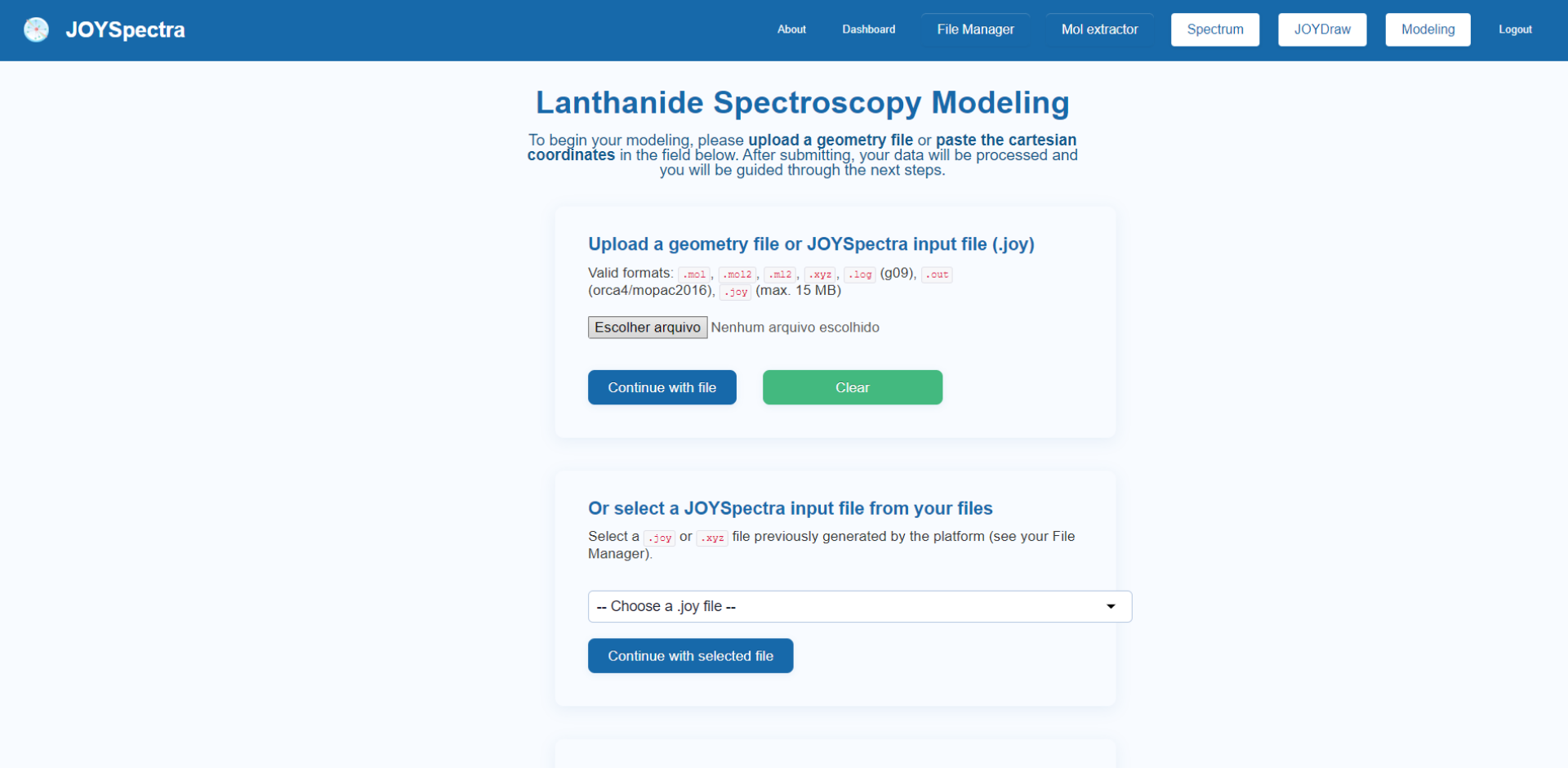
Step 3: After submitting the file, the three-dimensional structure of the system will be displayed in the "Structural data" section, accompanied by side and bottom panels for configuring the calculation parameters.
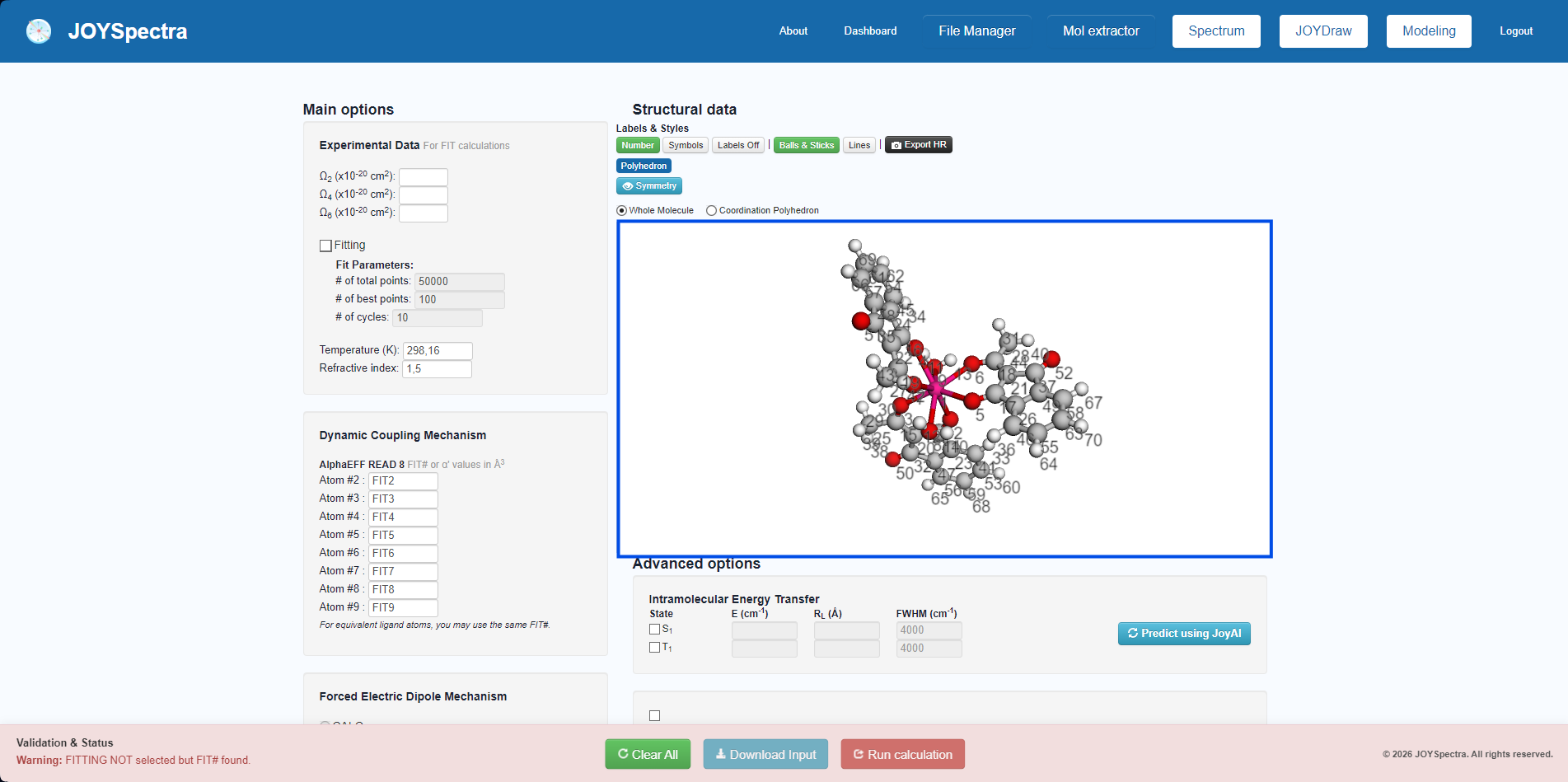
Calculating Intensity Parameters
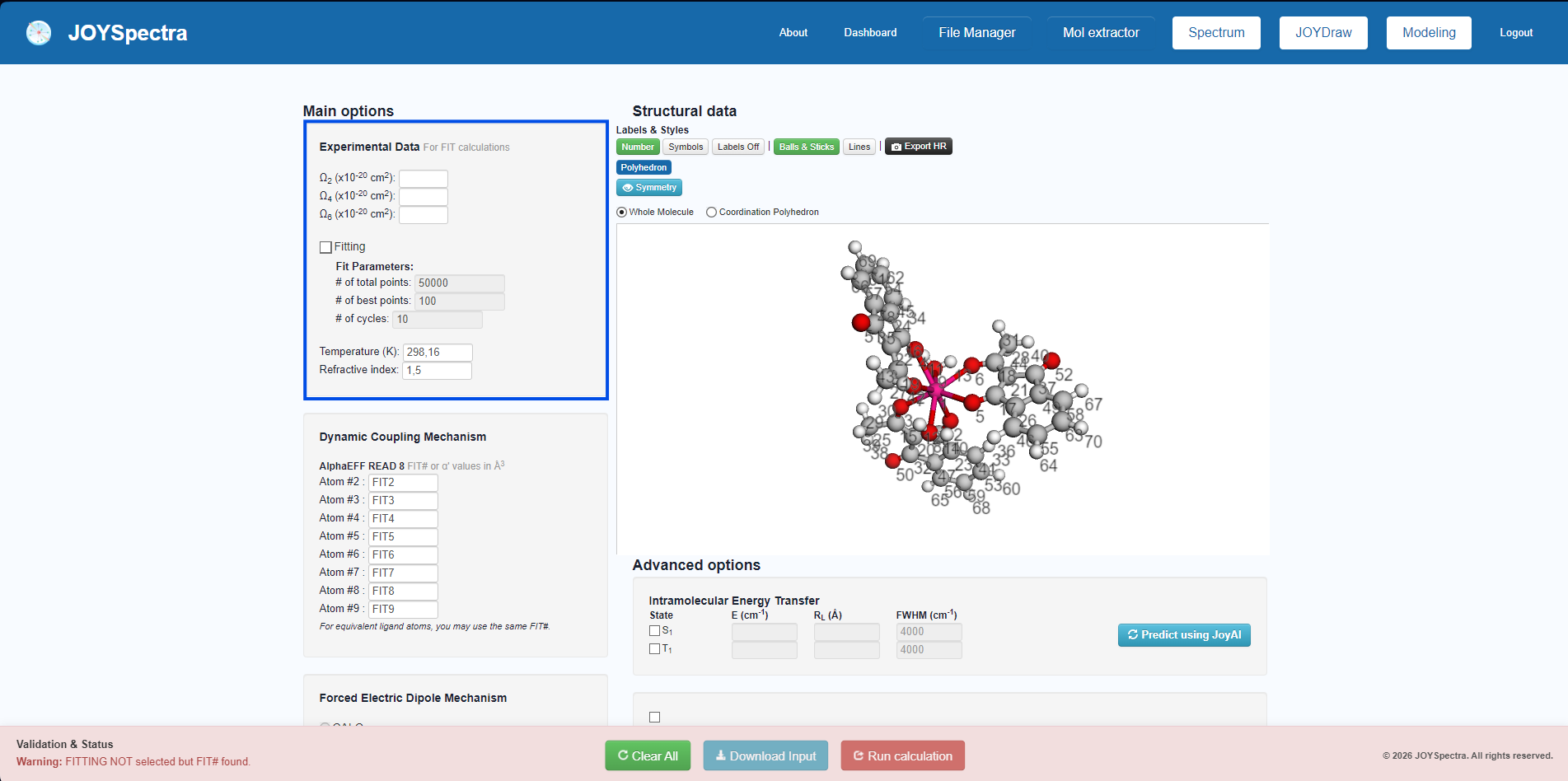
Step 4: In the "Main options" panel (on the left), enter the experimental values of the intensity parameters (Ω2, Ω4, and Ω6) in the "Experimental Data" section if you are going to perform the fitting to determine Ωtheor.
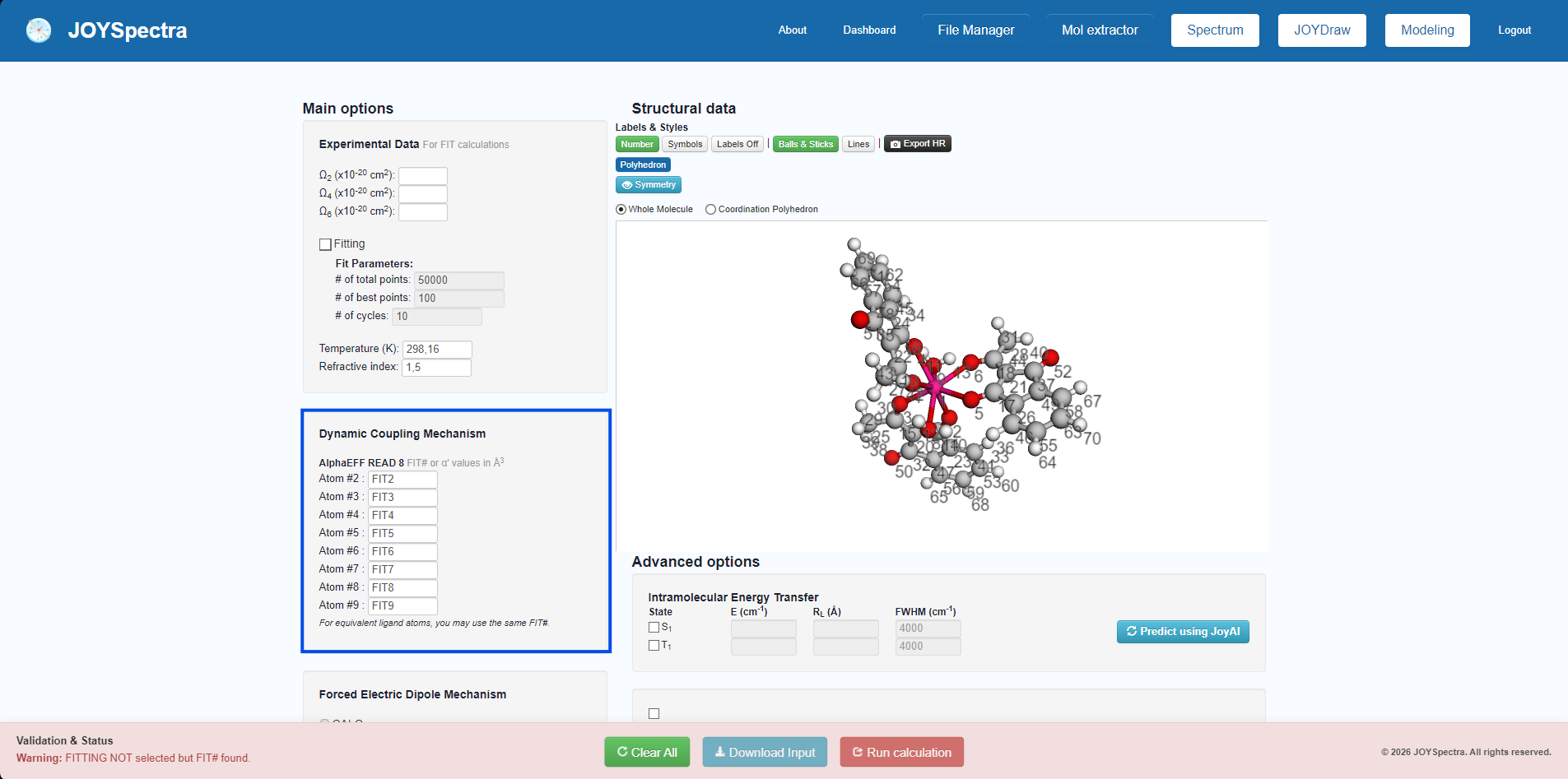
Step 5: In the "Dynamic Coupling Mechanism" and "Forced Electric Dipole Mechanism" sections, identify the atoms by assigning the FIT# label (e.g., FIT2, FIT3). To ensure fitting consistency, use the exact same FIT# numbering for a given atom in both mechanisms. Chemically equivalent atoms can share the same identification.
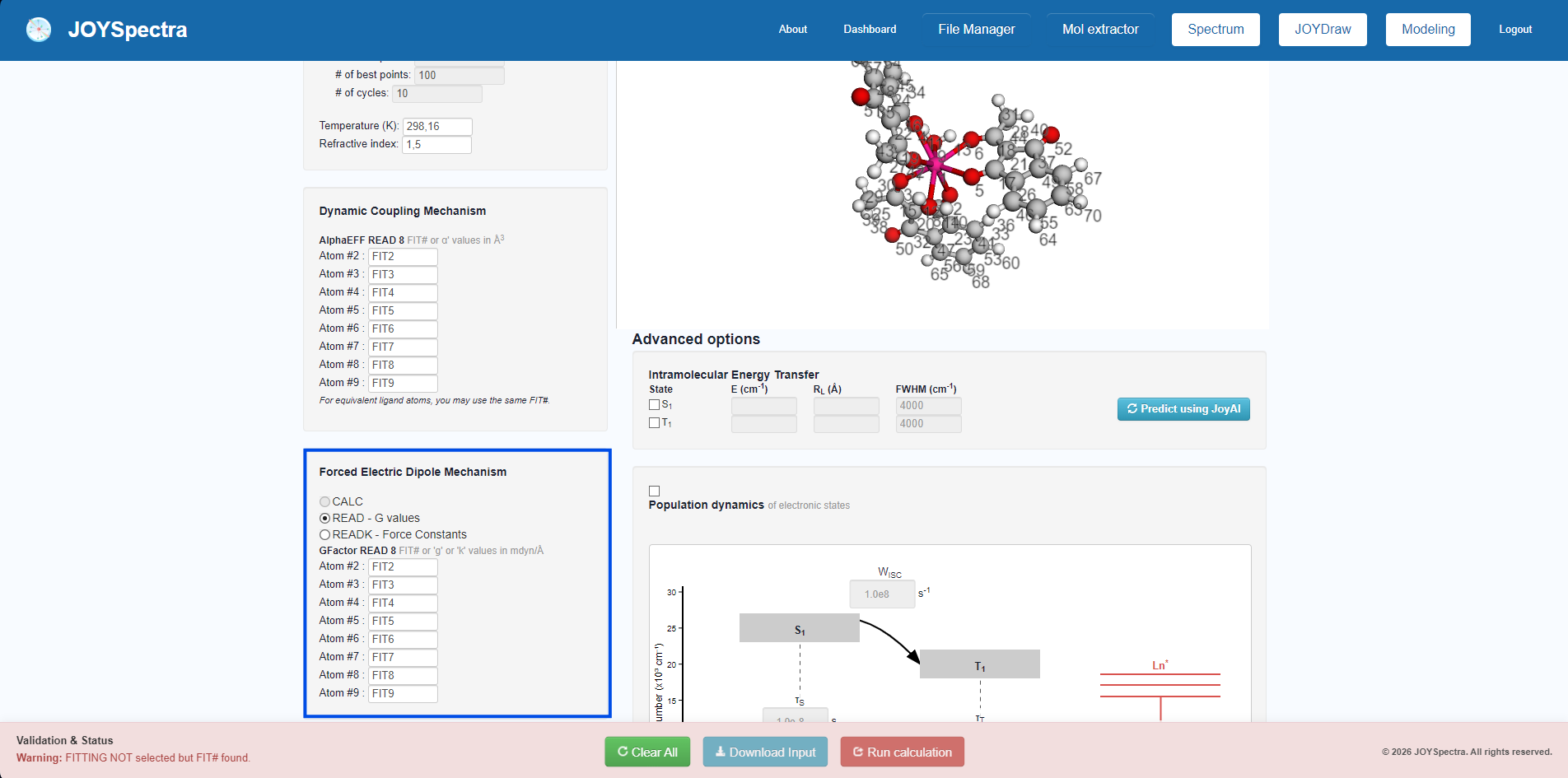
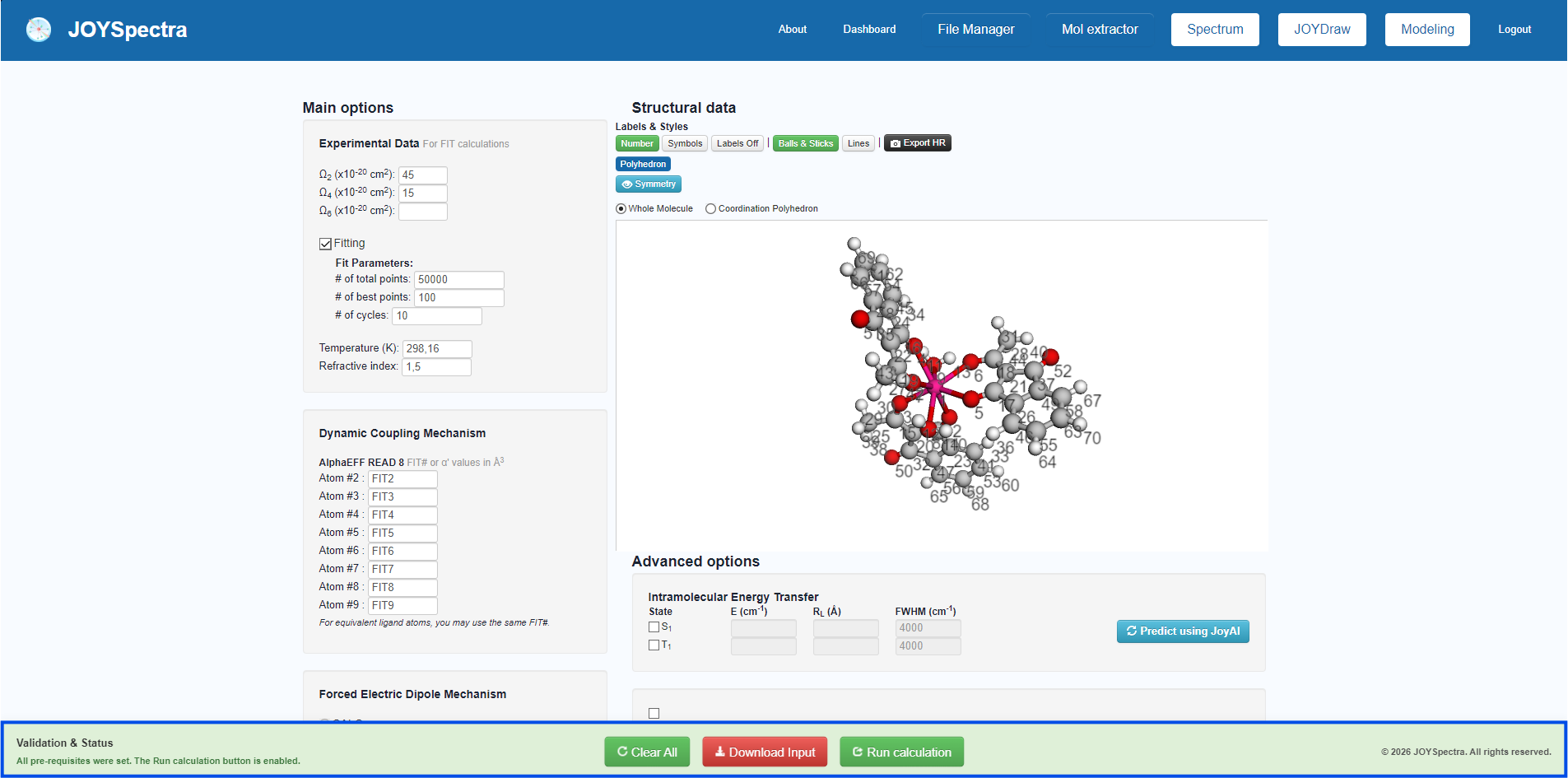
Step 6: If all parameters are filled correctly, the bottom "Validation & Status" bar will display a green confirmation. Then, click "Run calculation" to submit the job.
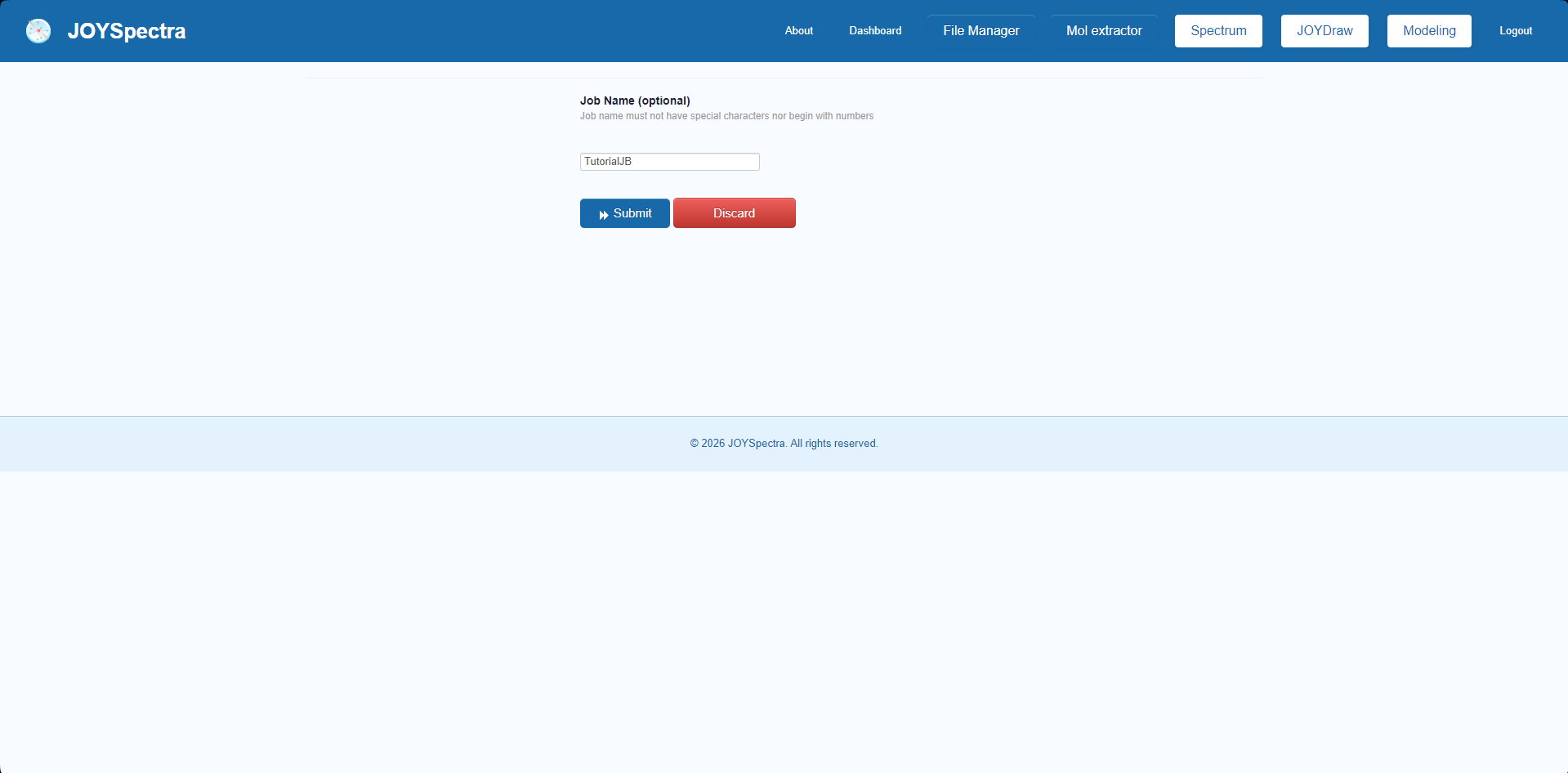
Step 7: Choose a name for your file.
Step 8: The calculation file will be sent to the File Manager and will display an hourglass icon during processing. Once completed, refresh the page to access the file in .log format.
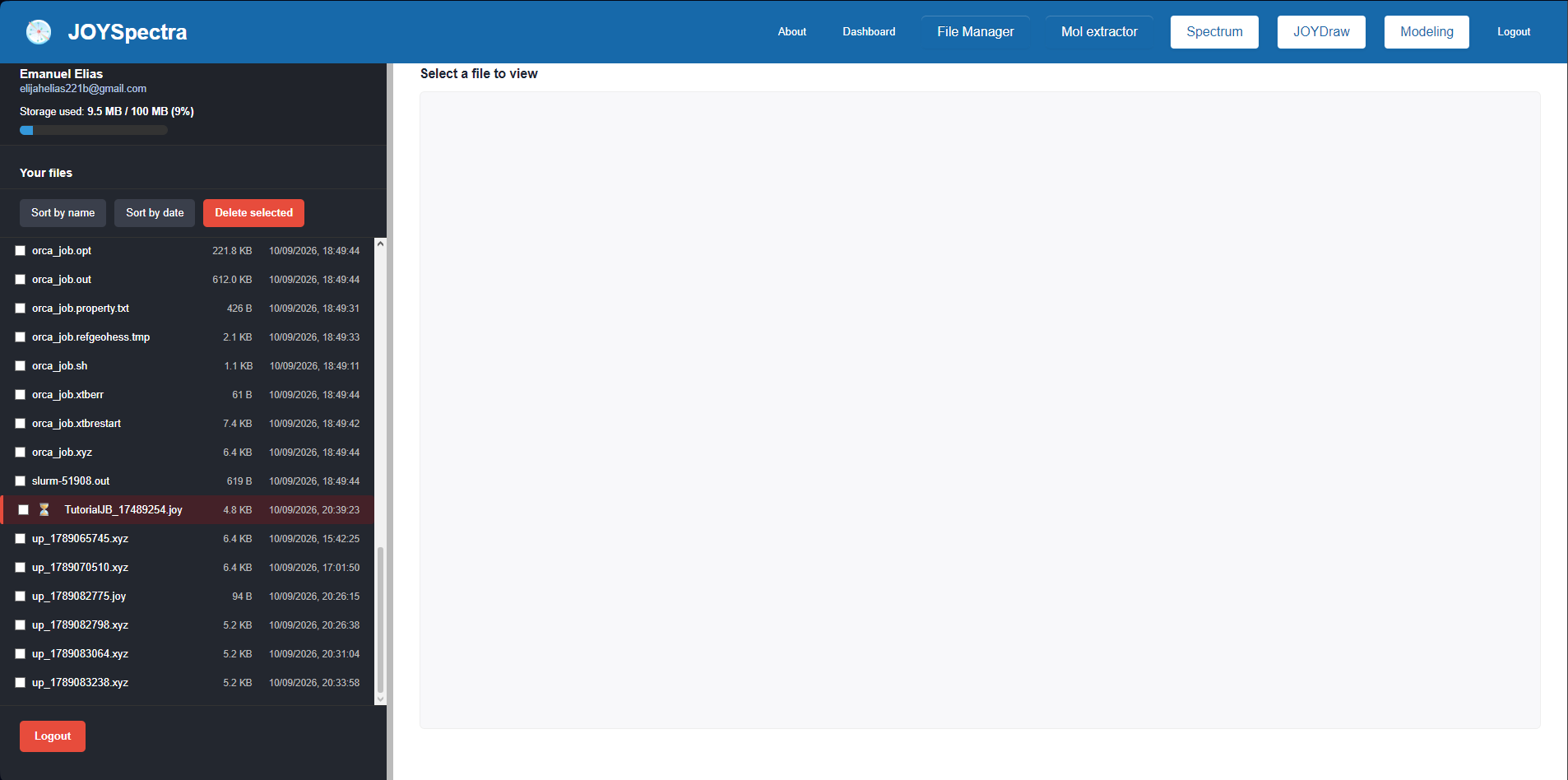
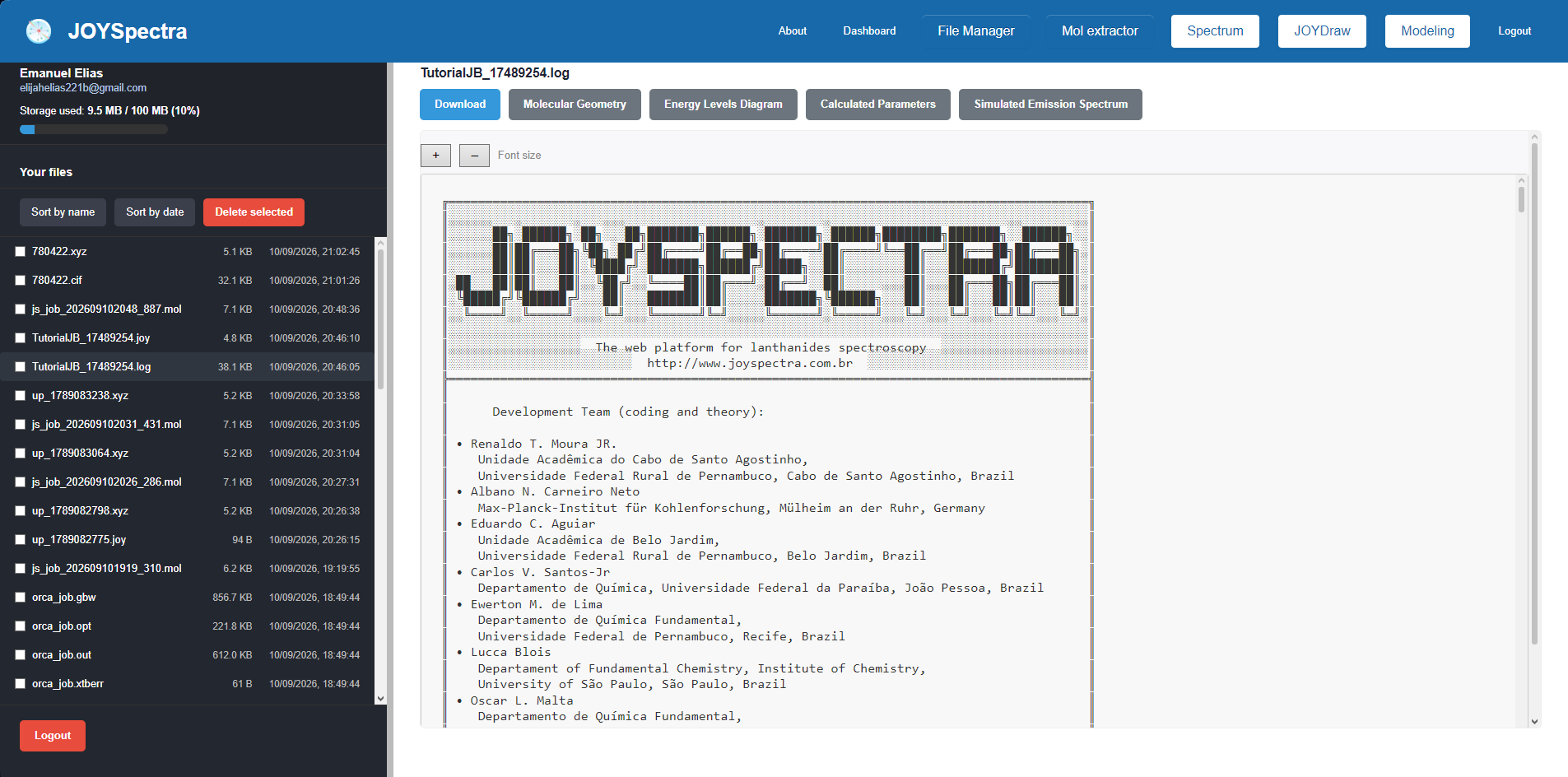
Step 9: Process completed; .log and .joy files generated.
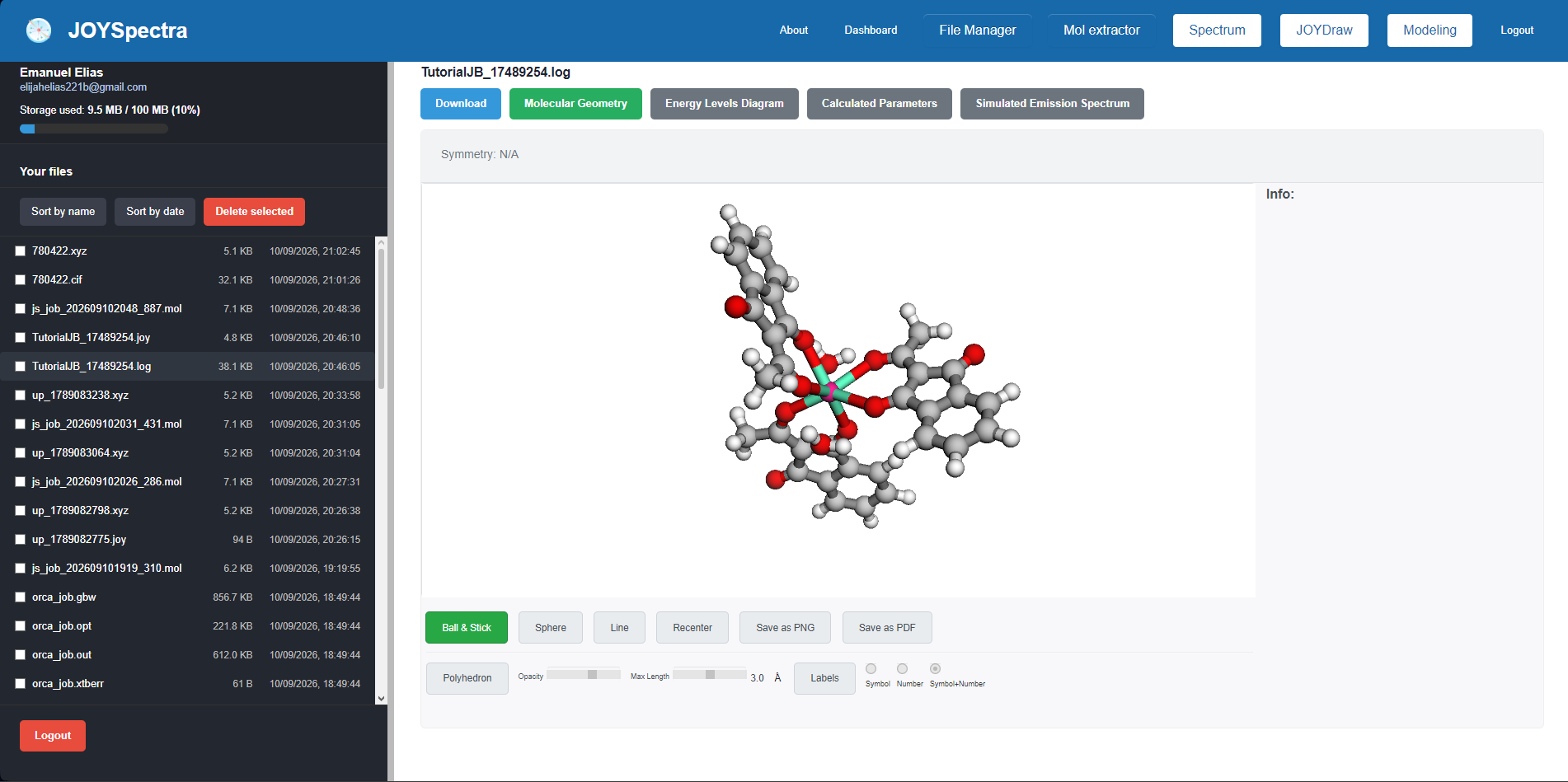
Step 10: Molecular Geometry: Displays the three-dimensional molecular structure.
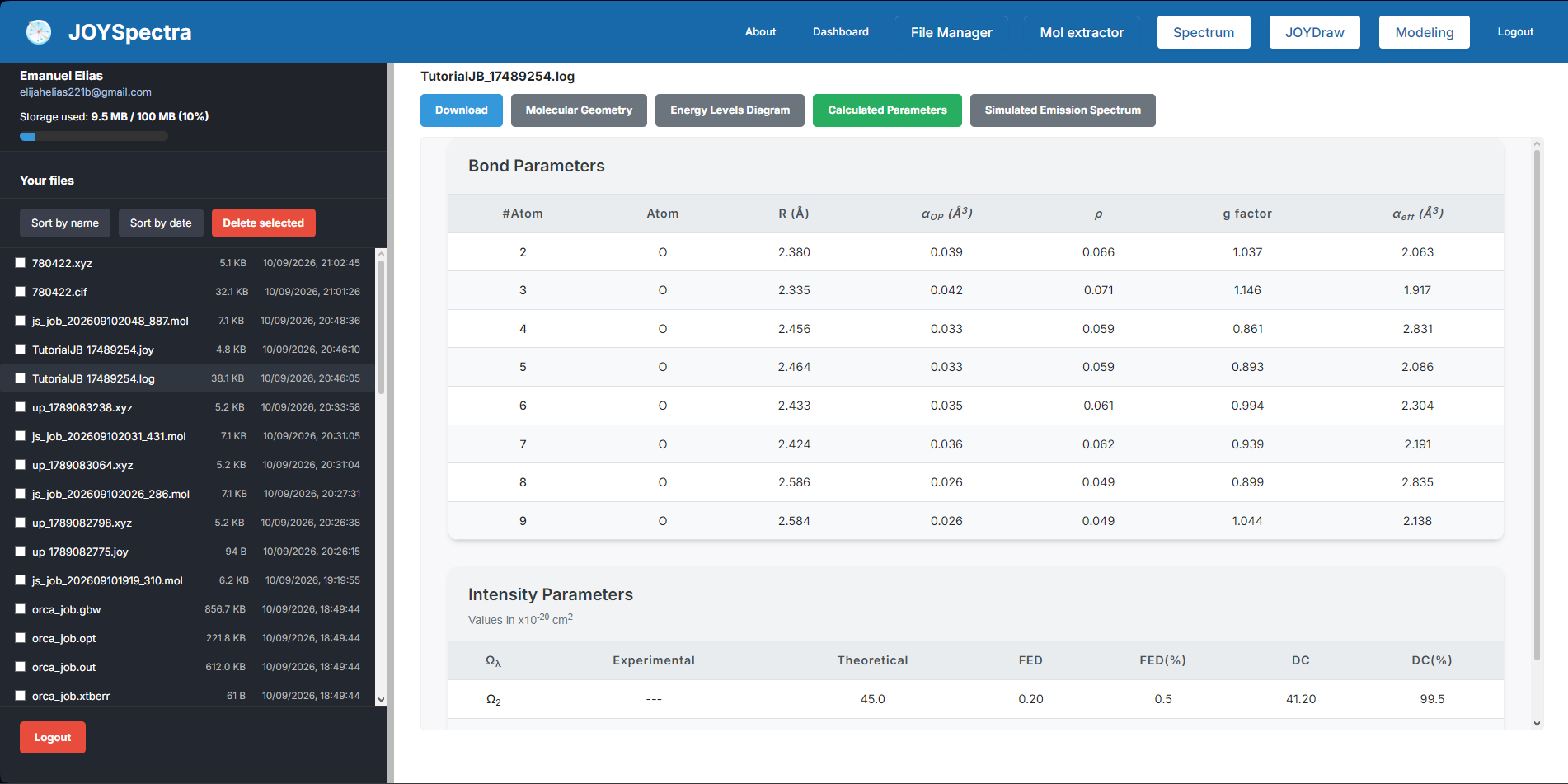
Step 11: Calculated Parameters: Displays the parameters calculated in the simulation.
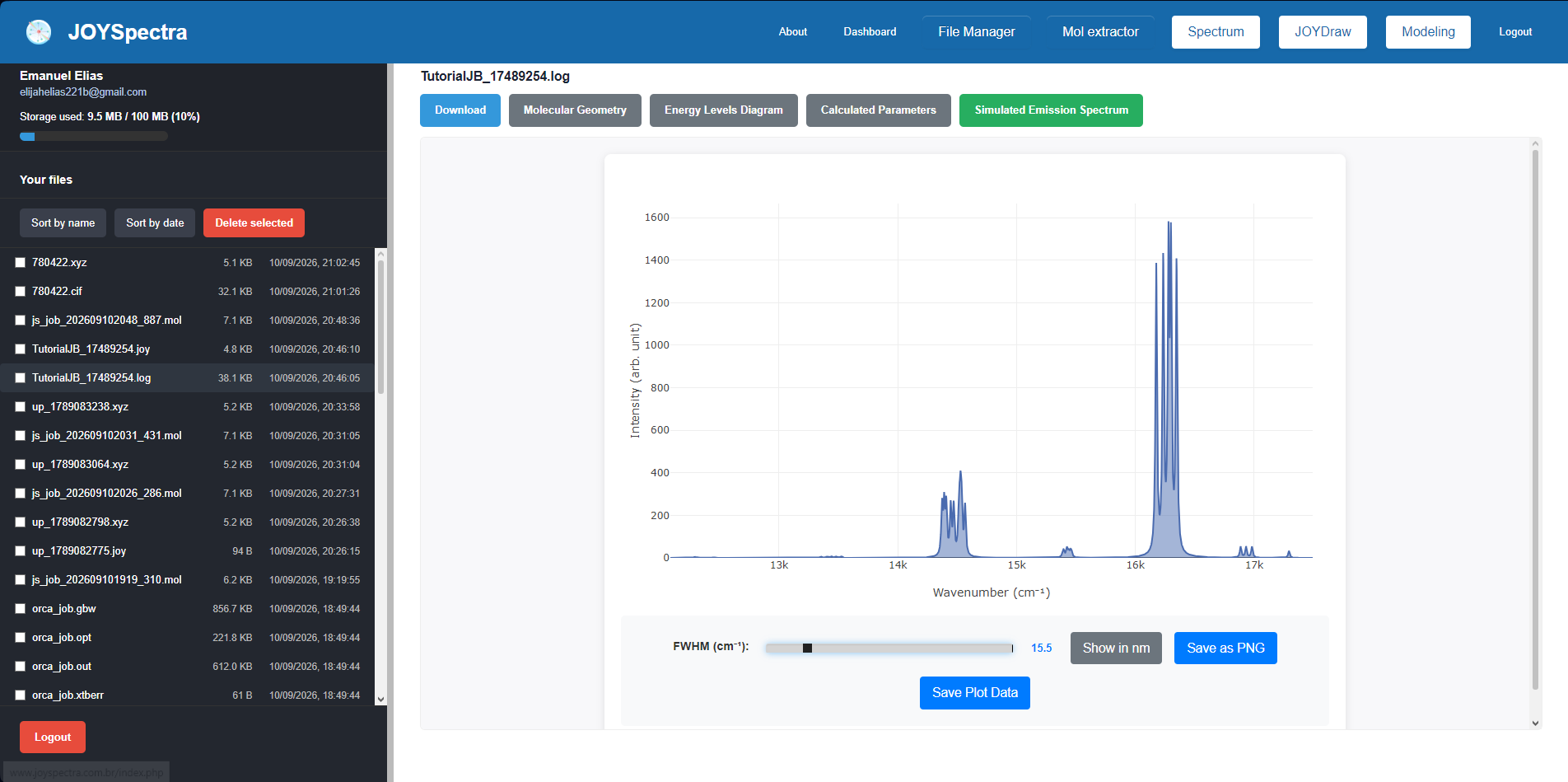
Step 12: Simulated Emission Spectrum: Shows the simulated emission spectrum.
Step 13: In the .log file, consult the "Theoretical OMEGA obtained" section to verify the theoretical intensity parameters (Ω2, Ω4, Ω6) calculated by the system.
