Extracting Cartesian Coordinates from CIFs
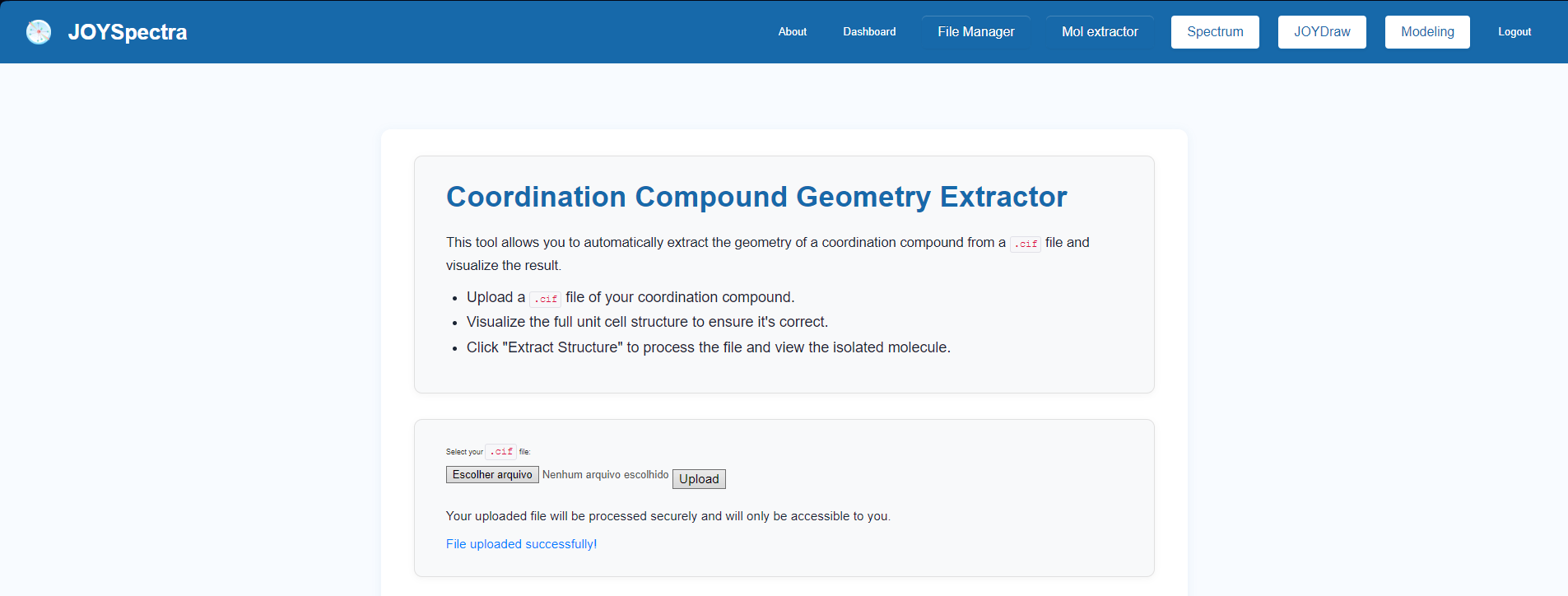
Step 1: In the main menu, click on the "Mol Extractor" option to automatically extract the geometry of a coordination compound from a .cif file and view the result.
Step 2: After loading the .cif file, the three-dimensional structure of the unit cell will be displayed on the screen. Use the "Ball And Stick", "Sphere", or "Line" buttons to change the molecule's rendering mode.
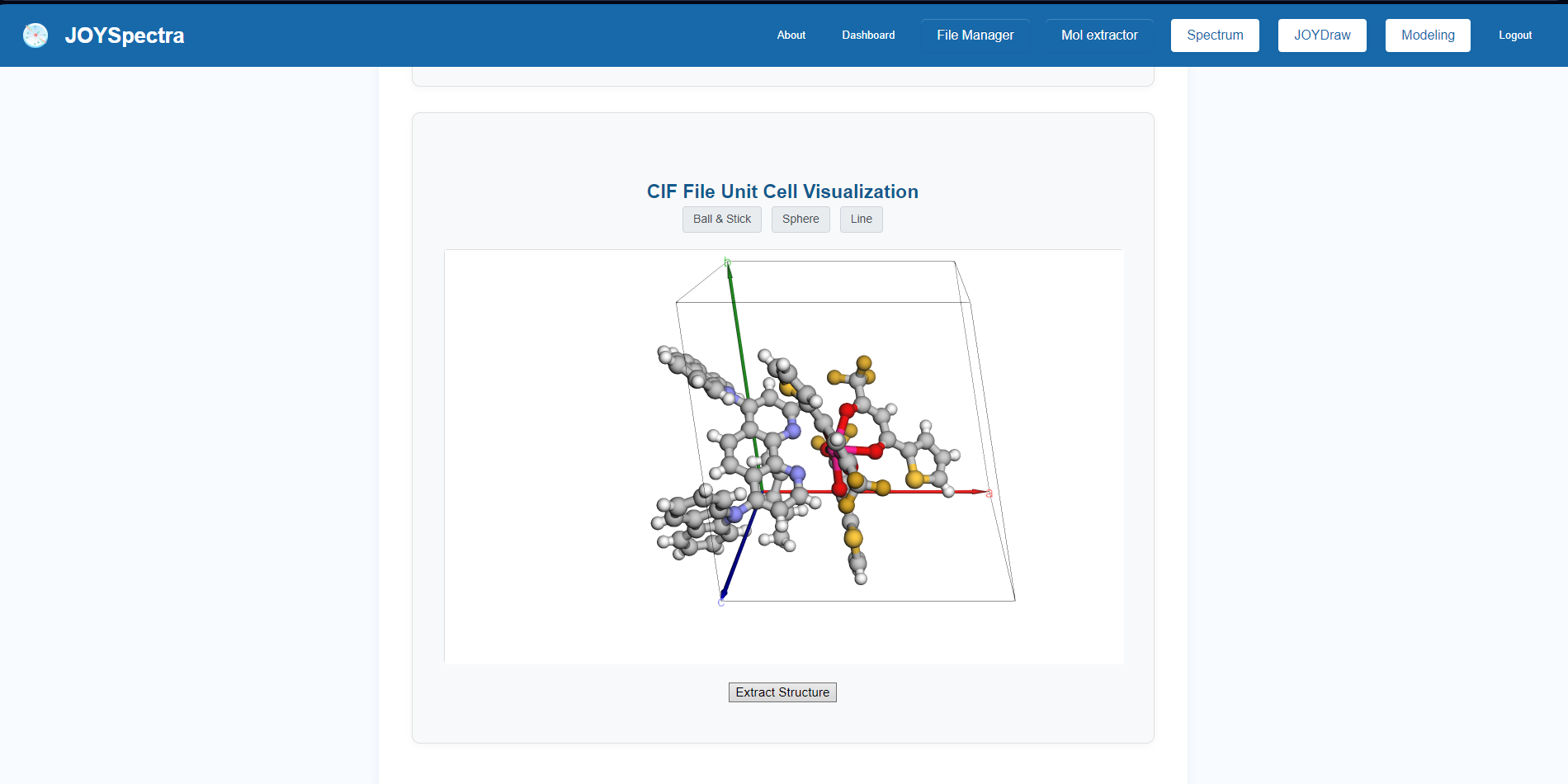
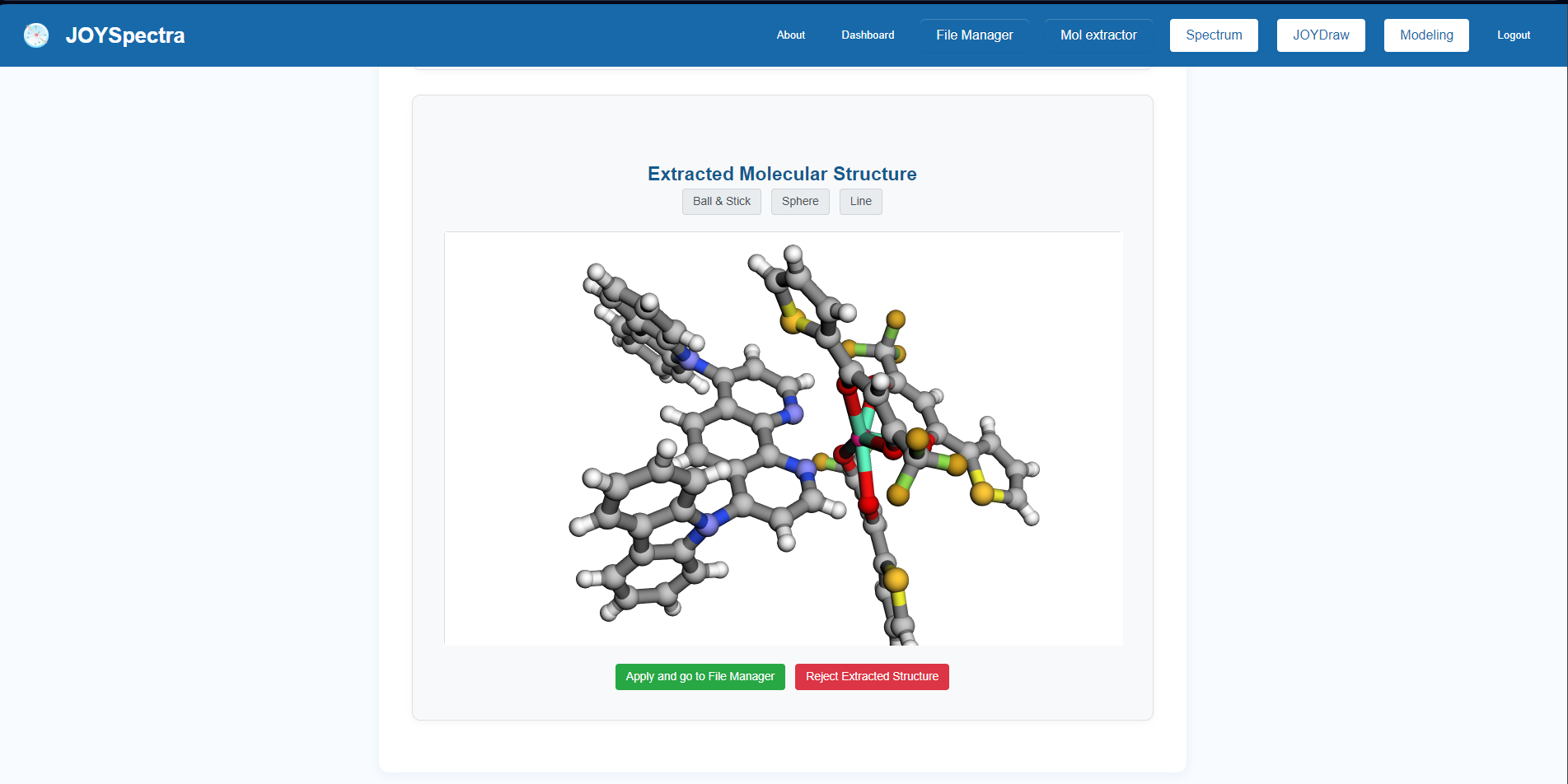
Step 3: Click the "Extract Structure" button to process the file. In the "Extracted Molecular Structure" section, the extracted molecular geometry will be displayed, which also allows switching between visualization modes ("Ball And Stick", "Sphere", or "Line").
Step 4: Choose one of the available actions to finish the procedure: click "Apply and go to File Manager" to save the structure and be redirected to your files, or "Reject Extracted Structure" to discard the extraction and restart the process.